Preventing corporate disinformation: sources, versions and corrections
A process for businesses and press offices covering official sources, editorial checks, file versions and corrections that make published material verifiable.
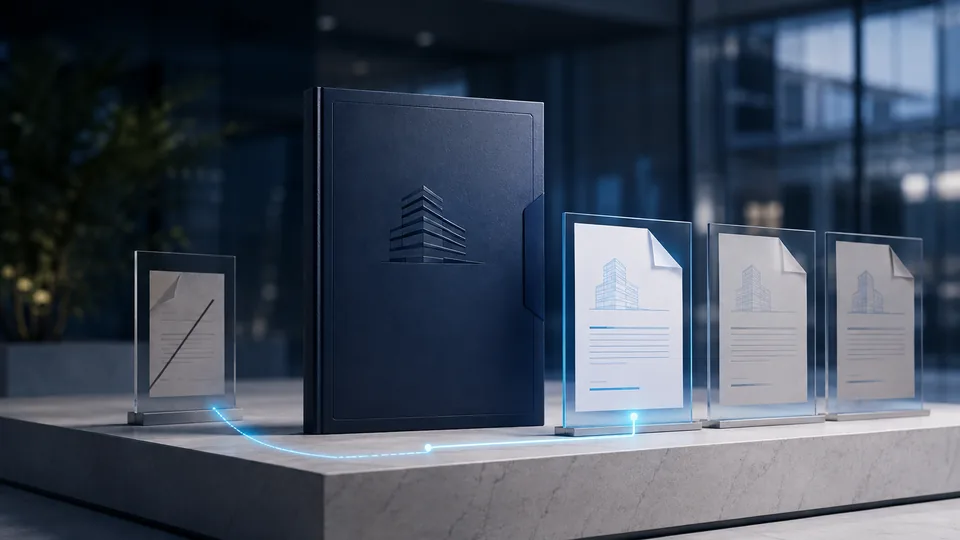
To prevent disinformation involving corporate content, make it easy to distinguish official material, superseded versions, and information that is not yet confirmed. You cannot prevent every misleading reuse, but you can design publishing so readers and colleagues have a clear reference to consult.
This guide proposes a process for corporate websites, editorial teams, and press offices: prepare sources before release, verify assets, handle reports, and make corrections without hiding the update history. It is an operational model to adapt, not a guarantee that fake news will be eliminated.
Identify the problems before choosing tools
Begin with the materials you distribute and the ways people may misunderstand them. An authentic but outdated document needs a different response from a press release the organization never published. A real photograph with the wrong caption requires checking the context, not only the file.
You can create a simple inventory:
| Situation | Reference to prepare | First question after a report |
|---|---|---|
| Communication attributed to the company | Official page with owner and date | Was it actually published? |
| Outdated attachment | Version identifier and link to the current revision | Which version is circulating? |
| Image used for another event | Caption, credit, and scope of use | Does the description match the material? |
| Voice or video attributed to a spokesperson | Official confirmation channel | Are the recording and instructions confirmed? |
This classification determines who should check what. It is not a list of accusations: an old version may circulate by mistake, and legitimate criticism does not become disinformation simply because it is uncomfortable.
Create an accessible official source
For every important communication, provide a stable page with a clear title, date, attachment references, and editorial contact details. Avoid making a chat image the only official source; it is harder to update and to identify the current copy.
In a press room, distinguish active documents from archive material. Readers arriving from search should immediately know whether a notice is still valid. The guide to a verifiable digital press kit explores the structure of records for images and PDFs.
A pilot can begin with one content type, such as event announcements. Define where the current version lives and how messages on different channels lead to it. The process should make sense to people who do not know the internal tools.
Add a check before publication
Give one person responsibility for the main claim and, when possible, another person responsibility for checking the references. You need not duplicate every step; confirm that the public text promises no more than the documents support.
An approval record can include the central question, source, validity date, attachments, and limitations that should be explicit. For illustrative or AI-generated images, add a description that explains their nature. For archive photos, ensure the title does not present them as footage of the current event.
Use the method for verifying news sources on internal material too. The fact that text came from a colleague does not automatically resolve ambiguity about figures, dates, or the scope of the announcement.
Connect the file, version, and reference page
Maintain an explicit association between the approved document and the downloadable file. The name alone is not enough: two attachments with the same name can contain different revisions. A document hash enables a byte comparison when a trustworthy reference exists.
C2PA credentials and notarization can join supported workflows to make specific provenance or integrity information verifiable. They do not guarantee that every claim in the press release is true and do not prevent third parties from copying the text or photographing part of it.
When displaying a badge, explain what is verified and which asset it covers. If the signature and proof concern only a photograph, do not imply that they automatically cover the whole page. The guide to integrating C2PA into a CMS helps design these connections.
Handle reports through defined roles
Provide an accessible channel for reporting inconsistencies. Ask for the reference needed to understand the case without inviting people to publish personal information or confidential documents. Identify who can verify the content and who can update the official page.
In this model, the editorial team checks text and context; the material owner confirms the version; the technical team investigates file or distribution problems. One person coordinates the outcome so the correction does not remain stuck between departments.
If a case involves a suspicious recording, do not immediately announce that it is a deepfake. You can state that a particular instruction is unconfirmed while technical checks continue. The deepfake guide keeps these two levels separate.
Make understandable, verifiable corrections
A useful correction states which information changed, when, and where the correct reference can be found. The AFP Fact Check corrections policy is one public example of making content changes visible; every organization should define its own process and responsibilities.
Consider a hypothetical case in which a schedule gives the wrong opening time. Update the page, replace the current attachment, and add a note identifying the error. Notify recipients of the old file through the relevant channels. Do not merely change a PDF that others may already have downloaded without explanation.
Then review the step that caused the error. Was a check missing? Did a link point to the wrong revision? Was the asset description ambiguous? Record the issue to improve the process, without turning the number of corrections into a simplistic measure of the team's reliability.
Frequently asked questions
Does a badge eliminate the risk of fake news?
No. It can provide access to verifiable information about content, but it does not replace editorial review or prevent every misleading use.
Should every report receive a public response?
Consider the case and the usefulness of a response. An incomplete report may first need clarification; a correction affecting distributed material should be accessible to the people using it. Avoid amplifying unnecessary details.
Where should a small team start?
Choose one category of communication, one official reference page, and one reviewer. Apply the checklist for preventing the spread of fake news and test the process with an internal example before expanding it.
Sources and further reading
Technical and editorial references consulted for this guide. Examples are illustrative and do not document real cases or specific integrations.